Creating an account
This applies to SuaveDocs cloud only. On your organisation's own SuaveDocs there is nothing to create: you sign in with your usual work account.
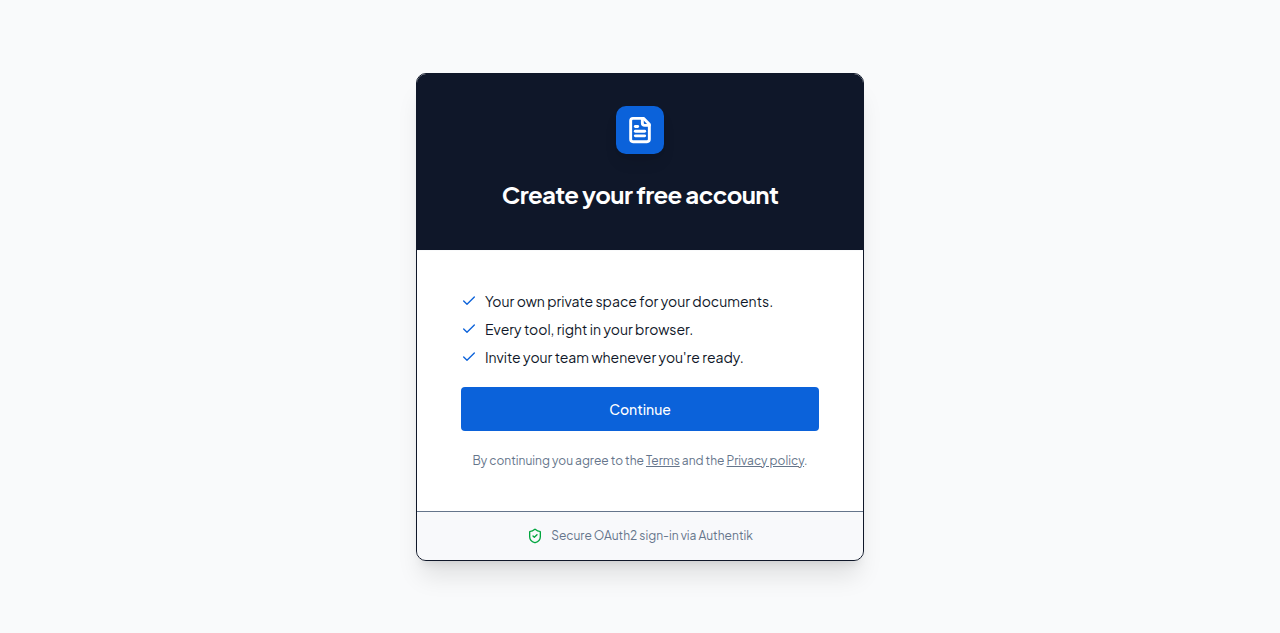 Figure: The sign-up page, titled "Create your free account", with its Continue button.
- On the sign-in screen, choose New here? Create an account.
- The page titled Create your free account tells you what you get. Choose Continue. (Below the button, "By continuing you agree to the Terms and the Privacy policy" links to both documents.)
- SuaveDocs' sign-up form opens. Enter your name, e-mail address and a password, and agree to the Terms and the Privacy policy.
- A "check your e-mail" screen appears. If the message does not arrive, use its resend action.
- Open the e-mail titled "Confirm your SuaveDocs account" and follow its link. You come back to SuaveDocs already signed in, at the place you were heading for — for example an invitation you were sent.